
EU AI Act Governance: Free AI Inventory, Classifier & FRIA
You cannot tell which AI systems the EU AI Act treats as high-risk until you know which AI systems you use. This guide starts with a free AI system inventory and intake in the hosted GRCompliance app, then shows the premium EU AI Act classifier, obligations tracking and the Article 27 FRIA. AI governance is part of the hosted app, not the free Core download. Screenshots come from LaTorre LTD, a fictional demo company (example data).
The AI rule sets and intake are marked "Draft - pending legal review". This is product guidance, not legal advice; confirm legal conclusions with your adviser.
Watch the video
Short on time? Watch the Short.
New to GRCompliance? Start with the getting started video.
Step-by-step
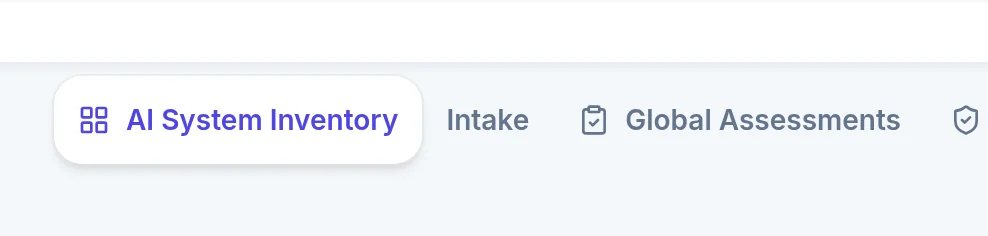
Step 1: Open AI Governance
In the GRCompliance app, open AI Governance. The AI system inventory and the use-case intake are free.
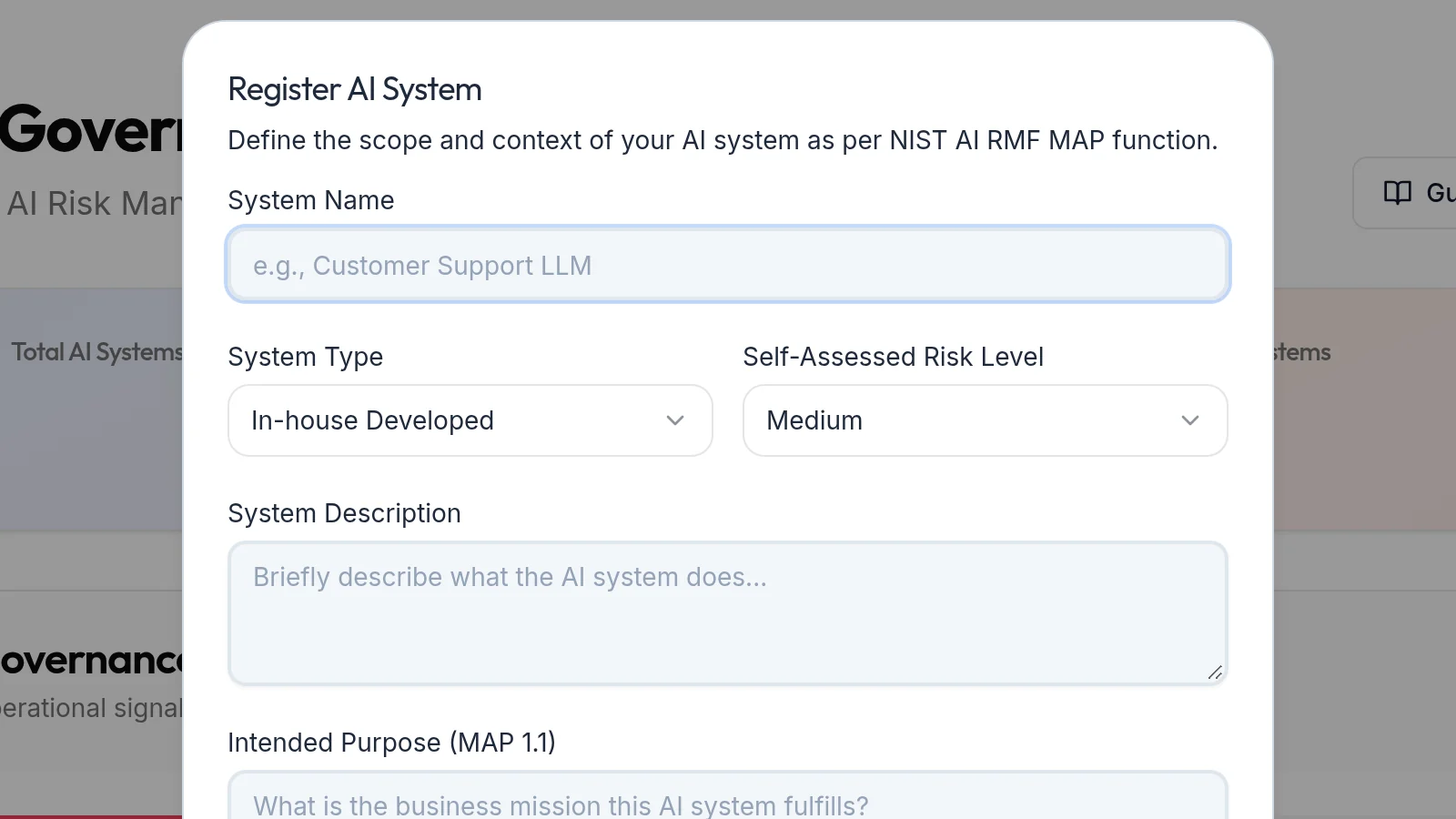
Step 2: Register an AI system
Click Register AI System and enter its name, type, a description and its intended purpose.
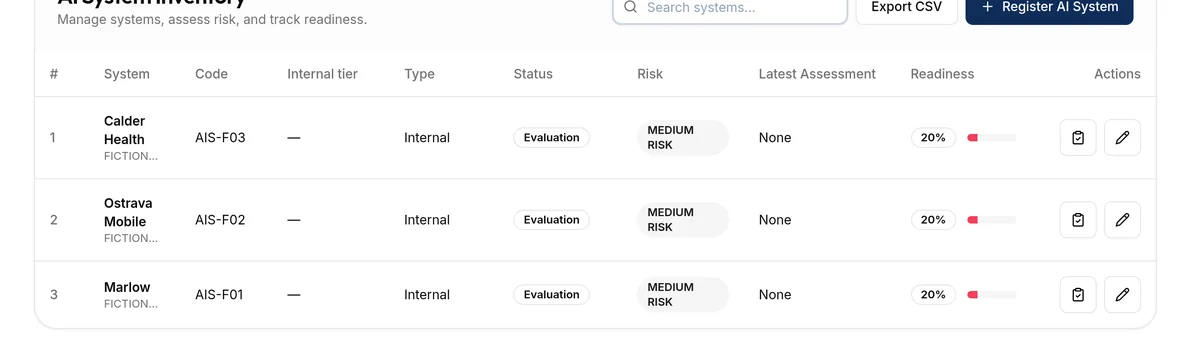
Step 3: Review the AI system inventory
The inventory lists every registered system with its type, status, risk and readiness. The systems shown are fictional examples.
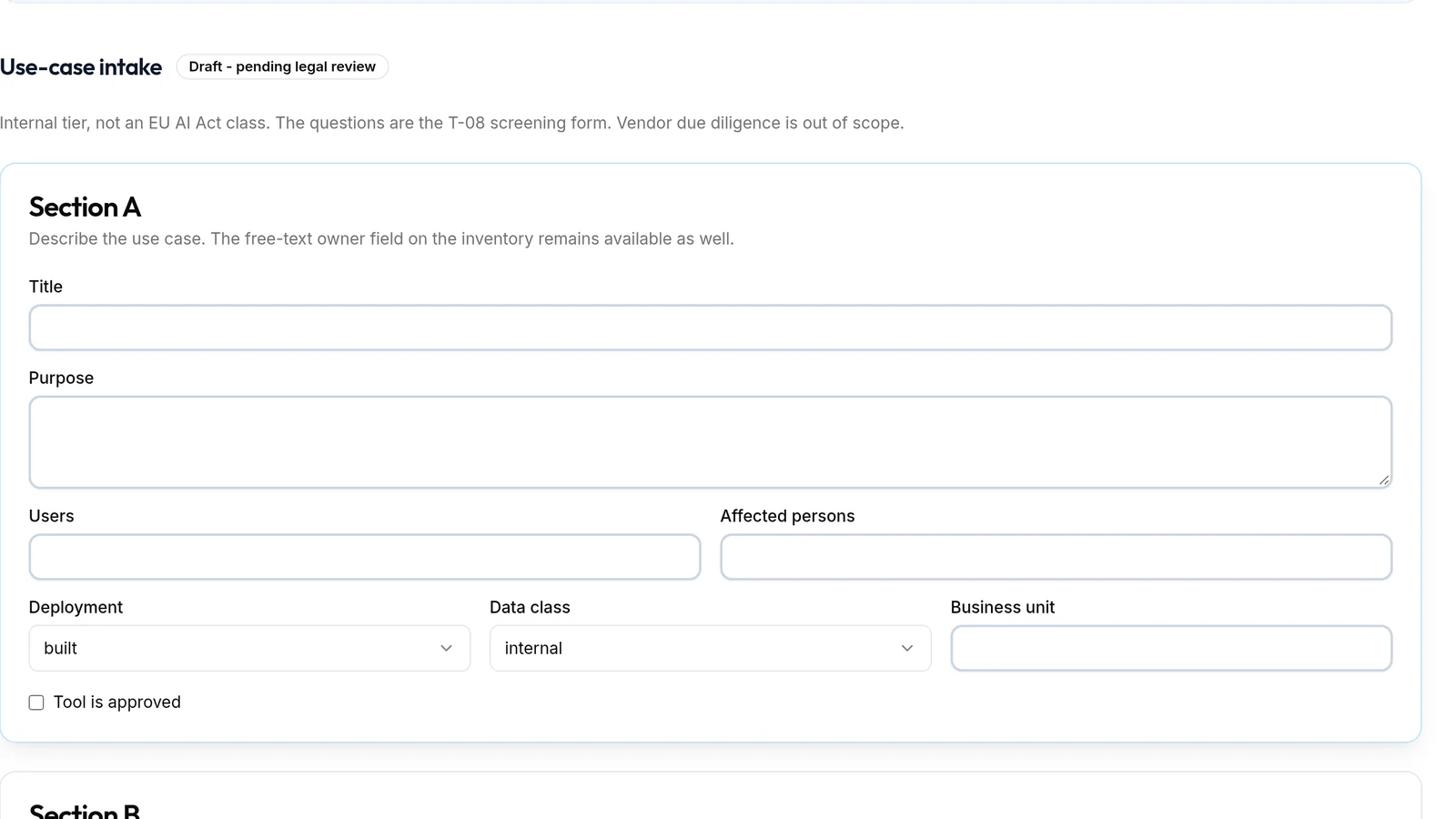
Step 4: Complete the use-case intake
Intake records the purpose, the users, the affected persons, the deployment and the data class.
Step 5: Get an internal tier
A short set of screening questions gives an internal tier, standard or enhanced. That tier is not an EU AI Act class; it tells you which systems need a closer look.

Step 6: Classify against the EU AI Act (premium)
With a premium plan, the EU AI Act tab screens the system against the Act's categories step by step.

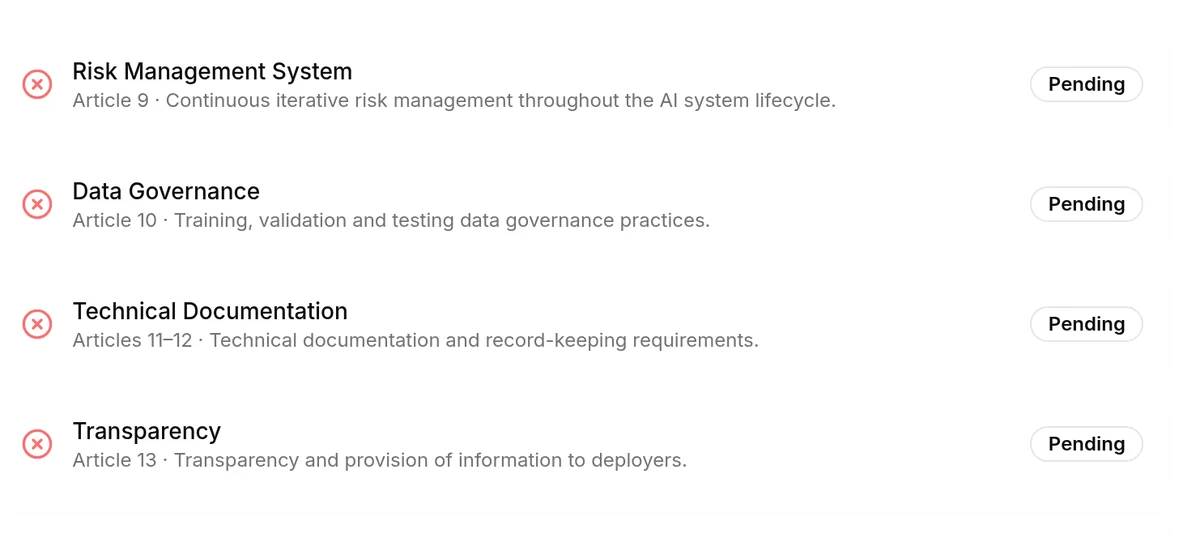
Step 7: Track obligations with a status (premium)
Each article's obligations are tracked with a status, from risk management to transparency.
Step 8: Run a FRIA under Article 27 (premium)
Some deployers of high-risk systems must carry out a fundamental rights impact assessment before first use. The FRIA follows Article 27(1)(a)-(f). Outside Annex III it shows "Not in scope".

Step 9: Link AI risks and incidents
Risk and impact links AI risks to the system on your existing risk register, and AI incidents keeps incidents linked to an AI system. You decide whether a regime applies.
Step 10: Export your AI governance status
The status export gives you a CSV or a PDF of the inventory, open obligations and clocks.
Related tutorials
- NIS2 Incident Reporting Deadlines per Country (24h, 72h, 1 Month)
- GRCompliance Core vs Paid: Free Self-Hosted GRC Explained
- ISO 27001 Policy Management: Create, Approve & Publish
- Risk Register Software: Score & Treat IT Risks